
AI Tutorials
Six Businesses, One AI Desk: Grok Bot + Kimi K3 Ledger Architecture
A source-checked build guide for six ledger-owning agents, one routing desk, evidence-bound handoffs, and human control over consequential actions.
Read MoreA practical guide to Grok Bot's shared computer, role charters, routines, multi-agent handoffs, pricing, evidence, and safety boundaries.
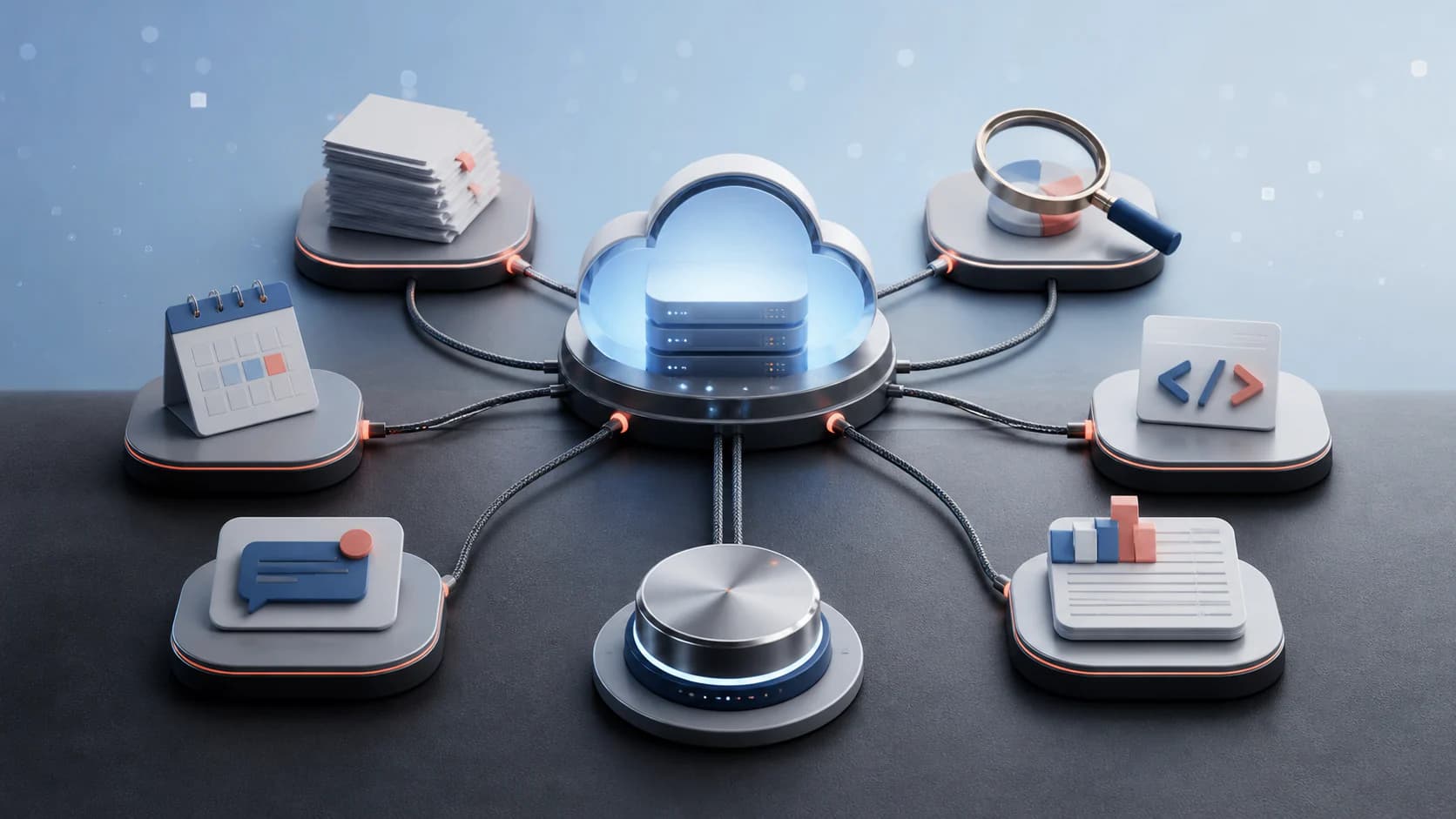
SpaceXAI launched Grok Bot in early beta on August 11, 2026. It is a product for delegating general knowledge work to always-on agents, not another name for the Grok chat assistant or Grok Build coding agent. According to the official launch post, each user's Bots work through a persistent cloud computer, sign in to ordinary tools, continue when the user's laptop is closed, and return when human approval is needed.
Rahul's August 19 guide, “How To Build a One-Person Company Using Grok Bot”, turns those features into an operating model: define Bots as jobs, give each one a charter, connect the minimum tools, teach a stable routine, add a trigger, and let specialists coordinate under a chief-of-staff Bot. That is a useful blueprint, but some of its language is promotional. This guide separates the confirmed product design from claims that still need evidence.
The useful idea is larger than “an agent with a browser.” Several Bots can share the machine's files, browser sessions, and logins; retain user, agent, and project context; learn a demonstrated routine; run it again on a schedule or event; and pass work to one another. That design can remove setup friction, but it also concentrates authority. A saved session that helps an expense Bot open invoices may give another Bot access to the same account.
Grok Bot is an application for persistent, computer-using agents. A user messages a Bot from desktop or iOS much like messaging a colleague. The Bot can navigate websites and applications, work with files, maintain a thread, and complete multi-step jobs. The official Grok Bot product page shows examples in sales, recruiting, paid media, expenses, product analytics, bug reproduction, account health, and chief-of-staff work. Its first-party launch artwork and demonstrations show the intended experience; they are not independent evidence of reliability or safety.
The release is explicitly an early beta. The verified Grok Bot announcement on X describes finished work as the target, while the launch article says enterprise access is still on a waitlist. Those statements define product positioning and availability, not a service-level guarantee. No public benchmark in the launch materials measures completion rate, intervention rate, cost per accepted job, or performance against other computer-use agents.
The boundary with Grok Build matters. Grok Build is a repository and terminal-centered coding agent. Grok Bot is the persistent coordinator that can work across business applications and can hand coding work to Cursor Cloud Agents. An organization may use both, but the identities, credentials, repositories, and approval rules should remain explicit.
Rahul's accompanying X post calls Grok Bot “the best AI agent right now.” Treat that as an author's judgment, not a measured result. As of August 20, neither the official launch material nor Rahul's guide publishes a head-to-head benchmark for task completion, correction rate, intervention rate, unsafe actions, latency, or cost per accepted job. The official material contains product examples and early-user testimonials, not comparative evaluation.
The more defensible conclusion is narrower: Grok Bot is unusually well packaged for persistent, cross-application delegation. The shared cloud computer, learned routines, mobile handoff, memory, and multi-Bot threads are available through one product instead of a custom agent stack. That may make it a strong choice for a solo operator with recurring work across several web tools.
“Best” still depends on the job. A repository-focused coding agent may be better for software delivery; a typed API workflow may be safer and cheaper for stable high-volume operations; and a tightly governed platform may be a better fit for regulated data. Rahul also says as many as 50 Bots can run on one account, but the public product and launch pages reviewed for this update do not state that capacity. Do not design around an undocumented limit.
Rahul's playbook can be translated into a safer implementation sequence:
Rahul identifies three essential charter fields: what the Bot owns, what good work looks like, and where it must stop. A production charter should add evidence and failure handling:
ROLE
You are the [specific job].

OWNERSHIP
Own [queue, workflow, and allowed destinations].

QUALITY
A result is acceptable only when [observable checks pass].

AUTHORITY
You may [reversible actions].
Ask before [external messages, spending, permissions, deletion, deployment].

EVIDENCE
For every run, return [links, files, screenshots, counts, or test results].

FAILURE
Stop after [limit]. Preserve partial work, report the blocker, and do not repeat side effects.
This changes the unit of delegation from “try to help” to an inspectable job. A useful charter is short enough to review, specific enough to test, and enforced by application permissions wherever a mistake would matter.
Rahul proposes a chief of staff plus research, content, engineering, customer, and finance specialists. They are sensible starting archetypes only when each role maps to real recurring work:
| Role | Owns | Safe first assignment |
|---|---|---|
| Chief of staff | Priorities, handoffs, daily checkpoints | Prepare a read-only morning brief and flag conflicts |
| Research scout | Source collection and evidence packets | Monitor a defined source list and return cited changes |
| Content producer | Drafts from approved evidence and voice rules | Prepare drafts; never publish automatically |
| Engineering builder | Code, automation, tests, and delivery evidence | Work in a sandbox branch; require review before deploy or merge |
| Customer guide | Context packets, follow-up drafts, open issues | Draft and label replies for human approval |
| Finance ledger | Reconciliation, anomalies, and recommendations | Read and categorize records; never move money |
The names do not create separation. All six may still inherit the same computer, sessions, and files. Real boundaries come from separate application identities, narrow scopes, approval gates, and logs.
A multi-Bot group should not behave like an unstructured chat room. Give the group an objective, then define the handoff contract: the research Bot returns sources and uncertainty; the production Bot returns an artifact; the reviewer returns failed checks and an accept-or-revise decision; and a human approves any external side effect. One owner should be accountable for each stage.
The chief-of-staff Bot can coordinate queues and summarize state, but it should not silently expand another Bot's authority. A handoff transfers work, not permission. If the customer Bot may draft an email but may not send it, routing that draft through the chief of staff must not turn it into an authorized send.
The product FAQ states that every Bot belonging to one user shares one persistent cloud computer. Isolation is per user, not per Bot. Files, browser state, and logins therefore survive between jobs and make handoffs possible. One Bot can research an account and another can use the retained context to draft follow-up work without asking the user to reconnect every tool.
This is the main convenience and the main trust boundary. A shared computer reduces repeated authentication and context copying. It can also turn one compromised or mistaken workflow into access across several Bots. Separate Bots are not separate security enclaves. Do not assume that naming one “Finance” and another “Marketing” isolates their sessions or files.
Treat the cloud computer like a managed employee workstation: use a dedicated identity, minimal application roles, a controlled password vault or supported secure input path, short-lived sessions where possible, and an inventory of every connected system. Our computer-use automation guide explains when UI control is justified and when an API is the safer operating path.
Grok Bot can watch a user perform a task once, save the sequence as a routine, and run it later. Matt Palmer's detailed firsthand launch essay says routines can run on a schedule or respond to events such as a Slack message or GitHub activity. The product page presents the same idea more simply: demonstrate the workflow, correct the Bot, and let it repeat the process.
This lowers the entry cost compared with building an integration graph before testing the job. It does not make the routine deterministic. Website labels move, sessions expire, data arrives in unexpected formats, and a previously safe step can become consequential. A recording is best treated as a learned procedure with preconditions and recovery rules, not a macro that is guaranteed to replay.
Define the routine's inputs, allowed destinations, approval steps, completion evidence, timeout, and failure response. Keep a test account and a known fixture. When the application changes, run the routine in observation or draft-only mode before restoring write authority.
Palmer describes three memory layers: user preferences shared across Bots, a Bot-specific profile and interaction history, and project memory for decisions and conventions. The product page also says Bots retain context and can learn from one another. Several Bots can join a thread, send messages to each other, assign ownership, and coordinate without the user copying notes between chats.
That is useful for work that naturally splits into lanes. A research Bot can collect evidence, a content Bot can produce a draft, and a review Bot can check it before the human publishes. The coordination record still needs review. A message from one Bot is a claim, not proof that the upstream action occurred correctly.
Memory should be curated rather than treated as an unlimited transcript. Keep preferences separate from credentials, distinguish project facts from personal facts, expire decisions that can change, and give users a way to inspect or correct retained context. The enterprise agent-memory guide covers provenance, retention, deletion, and conflict handling in more detail.
When a Bot reaches a login, SSO challenge, two-factor prompt, CAPTCHA, payment, or another step only the user can complete, Palmer says it can hand over the computer. The user resolves the gate and gives control back. For text secrets such as API keys, he describes a secure form rather than pasting the value into chat.
Handoff is not just a convenience feature. It is where identity and intent can be re-established. The approval should show the exact action, destination, account, material data, and expected result. “Continue” is too weak for a payment, message, access change, deletion, or production deployment.
Some jobs should stop after producing a draft even when the Bot technically can continue. Use human approval for external communication, purchases, refunds, payroll, account permissions, credential creation, legal submissions, deployment, merge, and deletion. Our human-approval design guide shows how to make approvals informed, specific, and recoverable.
The current product FAQ says the cloud computer is encrypted in transit and at rest, supports training opt-out, and uses Cursor SSO, authentication, and privacy mode. It also says sensitive actions can pass through Auto Review, while enterprise administrators can configure data-loss prevention, certificates, proxies, and network controls at boot.
Palmer describes natural-language rules, allow and block lists, permissions, and a separate reviewer that can allow, block, or escalate proposed actions. These are useful layers, but they remain vendor-reported controls in an early beta. A review model can misunderstand intent, a broad allowlist can authorize too much, and prompt injection can arrive through email, documents, web pages, issue comments, or application content.
Enforce important boundaries outside the model wherever possible. Use application roles, tenant separation, read-only scopes, spend limits, network policy, audit logs, and reversible operations. Do not rely on a natural-language rule as the only barrier protecting money, secrets, production systems, or private records. The agent identity and authorization guide separates who an agent is from what it may do in each system.
The launch page says Grok Bot is available to Cursor Ultra, SuperGrok Heavy, and Cursor Premium Teams subscribers. The current product page lists Cursor Ultra at $200 per month and Cursor Premium Teams at $120 per seat per month, billed monthly. It says existing Cursor Ultra or SuperGrok Heavy subscriptions include Grok Bot. Usage includes a weekly allowance; additional use is billed based on token cost.
The FAQ lists macOS, Windows, and iOS as the current interaction surfaces. The page provides a direct Apple-silicon macOS download, while other platforms are exposed through its download flow. Enterprises are not generally open yet; the launch post directs them to a waitlist and the FAQ says broader team and enterprise access is expected later.
Pricing, eligibility, supported platforms, and limits can change during a beta. Confirm them on the product page before procurement. Do not infer that a “get started” link means the agent and its ongoing work are free.
The strongest fit is a repetitive, cross-application workflow that already has a human operator, clear completion evidence, and occasional judgment gates. Examples include preparing CRM notes from approved call transcripts, assembling a review queue of outbound drafts, checking a demo environment, categorizing invoices without approving payment, reproducing a bug, or monitoring a support queue in draft-only mode.
Avoid starting with a vague mandate such as “run finance” or “manage customers.” Break the work into observable jobs. A useful first job has a small data set, non-production accounts, low consequence if delayed, a reversible output, and a reviewer who understands the underlying process.
Computer use is valuable where applications have no adequate API or where the human workflow itself carries necessary context. For high-volume or stable operations, a typed API integration may be cheaper, more observable, and easier to test. Grok Bot can coordinate both styles, but screen automation should not silently become permanent infrastructure.
Start with one Bot, one dedicated account, and one workflow. Record the exact subscription, app version, connected tools, permissions, reviewer policy, and test data. Run the first ten jobs in read-only or draft mode and preserve the evidence needed to compare the Bot's result with a human result.
Measure completion rate, human interventions, unsafe or out-of-scope attempts, wall-clock time, token and platform cost, reviewer minutes, correction rate, and recovery after an expired session or changed interface. Count a job as complete only when its output exists in the correct destination and passes the same checks used for human work.
Then test failure deliberately: revoke a permission, change a label, provide a hostile document, expire a login, duplicate an event, and interrupt the run. Confirm that the Bot stops safely, does not repeat side effects, and leaves a useful audit trail. Add a second Bot only after the first job's permissions and evidence are stable; remember that both Bots will share the same computer.
Grok Bot is a notable product launch because it packages persistence, computer use, shared sessions, routines, memory, and multi-agent coordination behind a teammate-like interface. The distinctive architectural choice is not simply that an agent can click. It is that several long-lived Bots share one computer and can keep working across the user's tools.
That architecture can reduce setup and handoff friction, but the shared computer also expands the consequence of a bad instruction, stolen session, or compromised page. Early adopters should evaluate the full system—identity, memory, browser state, permissions, reviewer, evidence, recovery, and cost—not only the model's conversational quality. Use the beta for bounded, inspectable work and let trust grow from measured results.
A source-checked build guide for six ledger-owning agents, one routing desk, evidence-bound handoffs, and human control over consequential actions.
Read More
A practical OpenClaw guide: installing the Gateway on your own machine, workspace files, permission modes, Telegram and WhatsApp, and connecting a model on your own server.
Read More
Every 24 hours is not every day at 9. A practical guide to preserving local-time intent, resolving missing or repeated hours, and preventing duplicate scheduled actions.
Read MoreIf you want the agents and automation in this guide working for your engineering team or business processes, start with a small pilot you can measure.